

About Diffused Editor
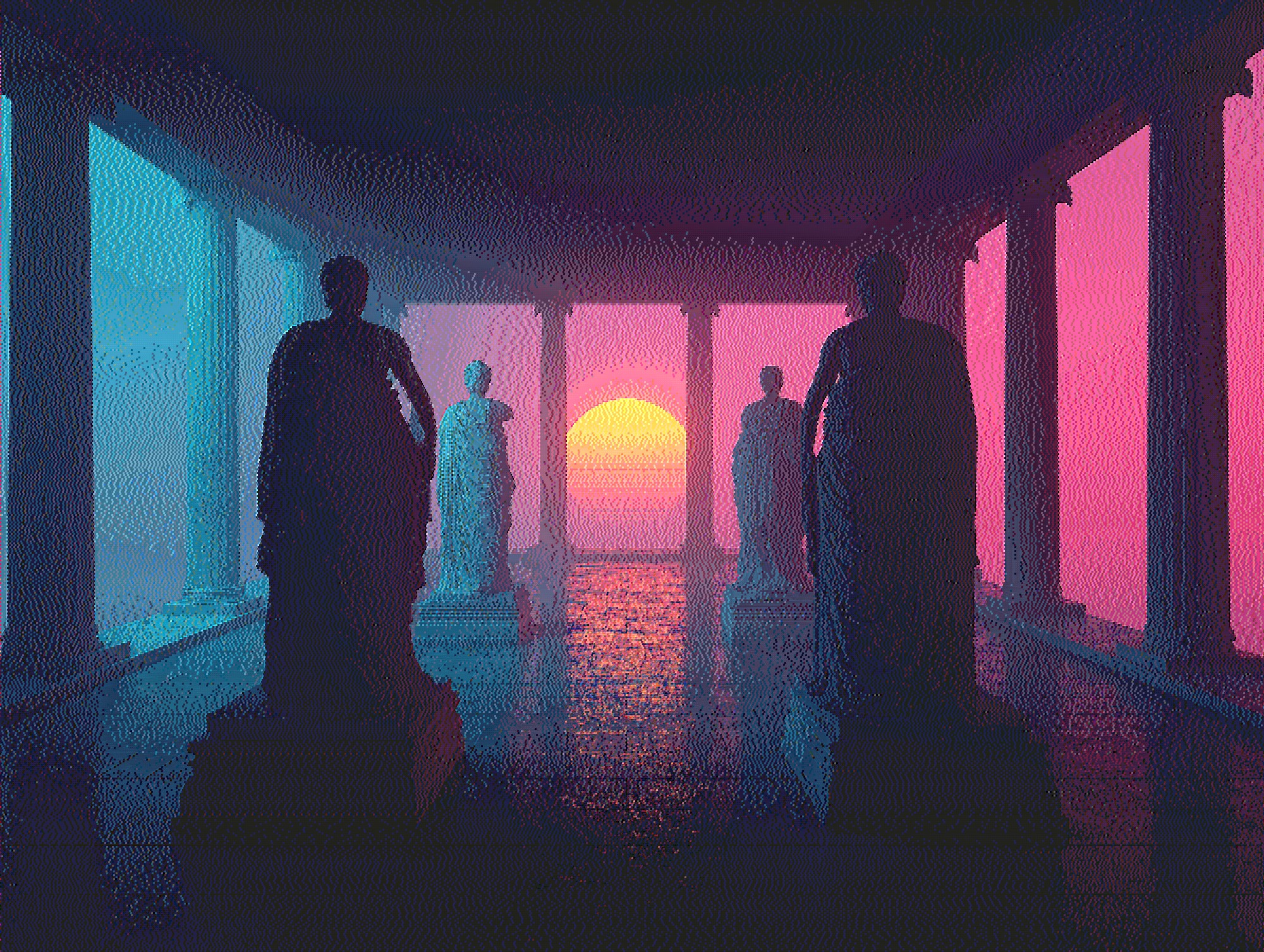
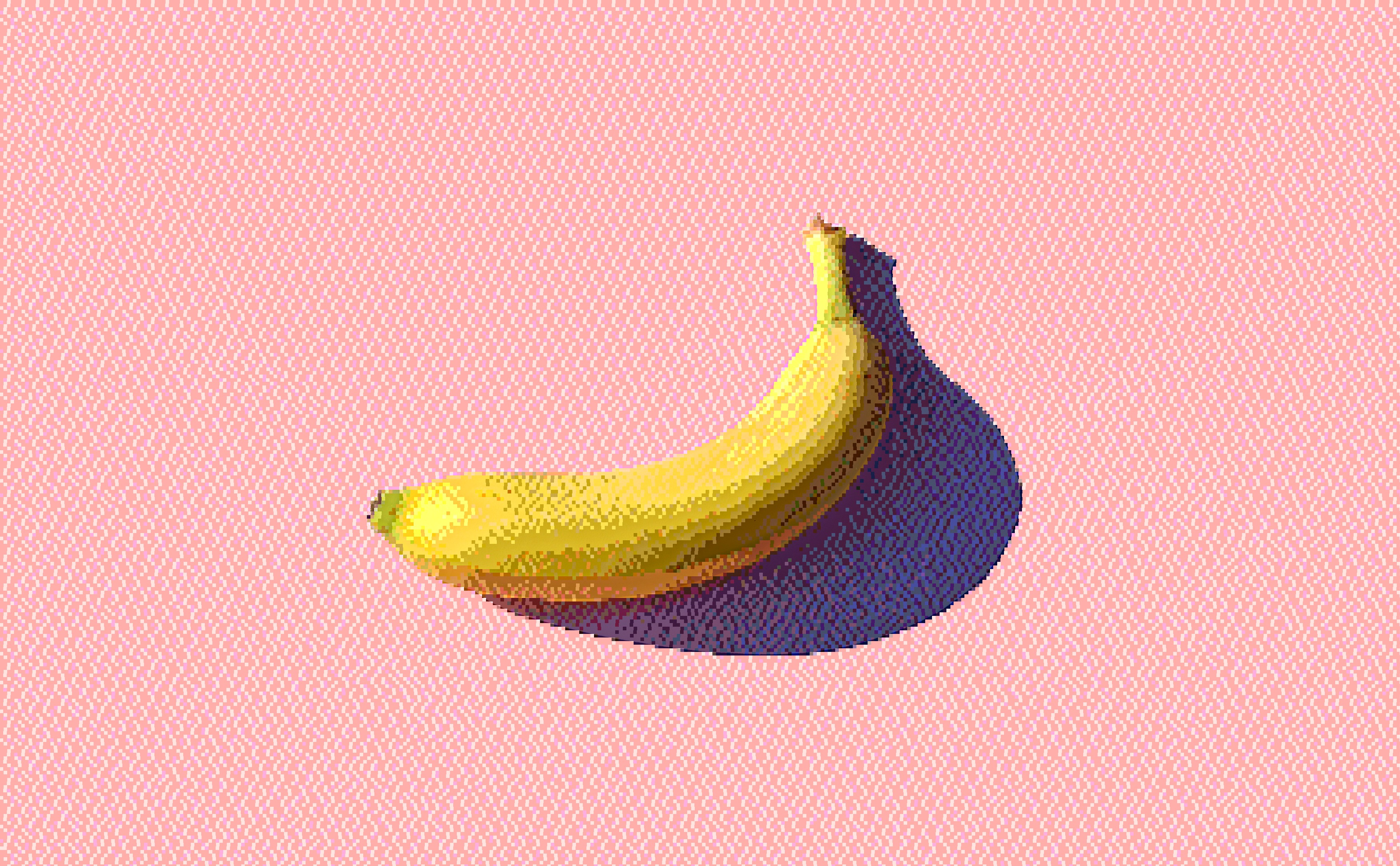
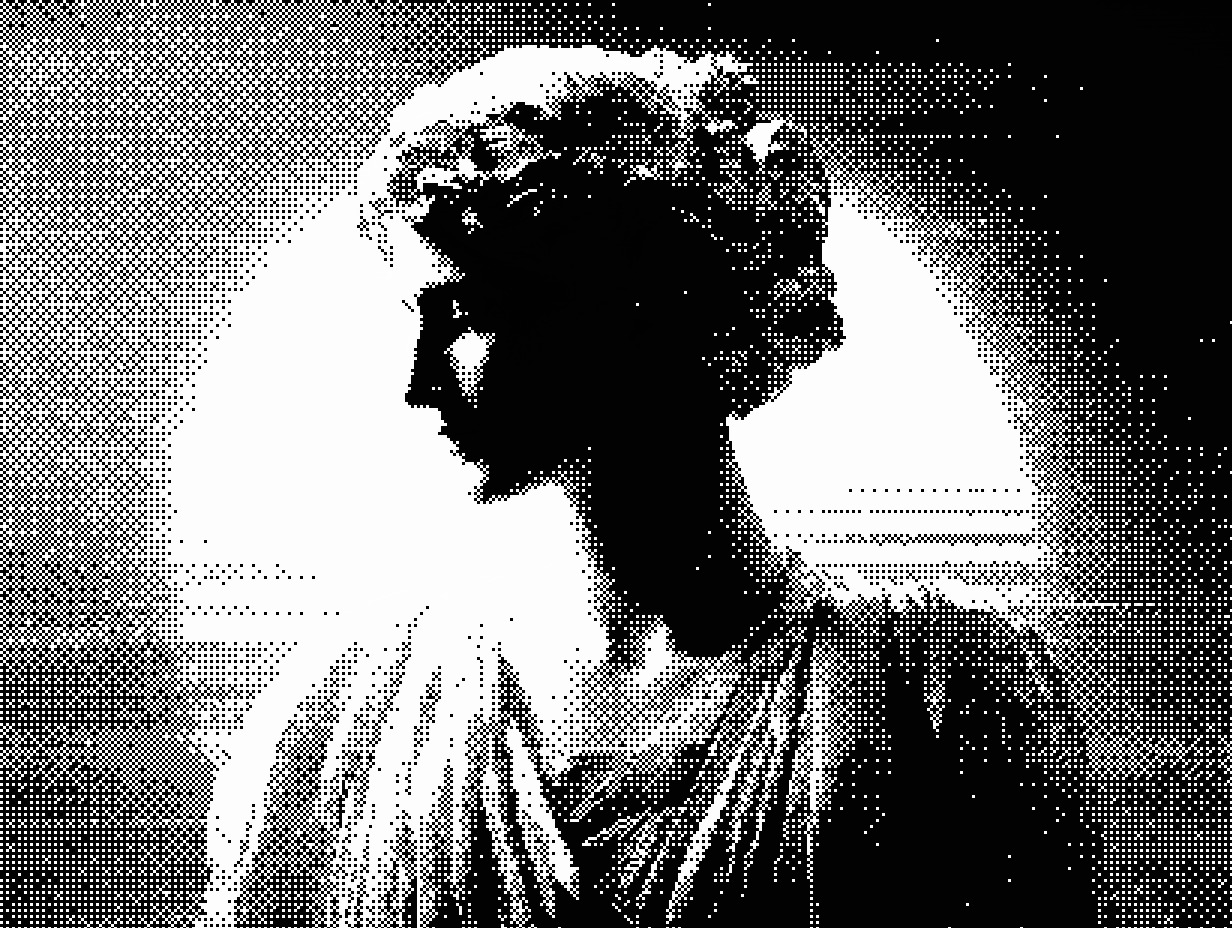
Diffused Editor is a professional, browser-based image processing application that applies advanced dithering algorithms to your photographs and graphics. Dithering is an image processing technique that reduces the number of colors in an image while maintaining visual fidelity through strategic pixel patterns. This creates distinctive retro, halftone, and artistic effects popular in vintage computing, pixel art, and modern graphic design.
What is Image Dithering?
Image dithering is a form of color quantization that uses patterns of pixels to simulate colors and shades not present in a reduced color palette. Originally developed for early computers and printers with limited color capabilities, dithering has evolved into a powerful artistic technique. Modern applications include creating retro aesthetics, reducing file sizes, generating halftone printing effects, and producing distinctive visual styles for digital art, game graphics, and web design.
Why Choose This Dithering Tool?
- 8 Professional Algorithms: Floyd-Steinberg error diffusion, Atkinson (retro Mac), Ordered Bayer matrix, Sierra, Two-Row Sierra, Burkes, Jarvis-Judice-Ninke, and Diffusion Dots bitmap style
- Complete Privacy: All image processing happens in your browser. Your images never leave your device and are never uploaded to any server
- Advanced Controls: Adjustable palette size (2-64 colors), intensity (0-300%), threshold (0-255), pattern size (1-8x), brightness, contrast, and saturation
- Professional Quality: Implements LAB color space for perceptual color matching, smart median-cut palette extraction, and float-precision error diffusion
- Real-Time Preview: See your changes instantly with zoom controls for detailed inspection
- Works Offline: After initial load, the application functions completely offline
Dithering Algorithms Explained
Floyd-Steinberg Error Diffusion
The most widely used dithering algorithm, Floyd-Steinberg distributes quantization error to neighboring pixels in a 4-pixel pattern. It produces natural, balanced results ideal for photographs and detailed images. This algorithm preserves gradients well and creates organic patterns without visible structure. Best for: Photographs, portraits, realistic images, general-purpose dithering.
Atkinson Dithering
Developed by Apple engineer Bill Atkinson for the original Macintosh, this algorithm distributes only 6/8 of the quantization error, creating lighter, airier patterns. It produces a distinctive retro aesthetic associated with early Mac graphics and HyperCard. Best for: Vintage computing aesthetics, retro artwork, high-key images, illustrations, nostalgic effects.
Ordered (Bayer Matrix) Dithering
Uses an 8×8 repeating threshold matrix to create distinctive geometric patterns. This algorithm produces a regular halftone-like appearance reminiscent of newspaper printing and comic books. The patterns are immediately recognizable and highly stylized. Best for: Poster art, comic book effects, retro printing aesthetics, geometric patterns, pop art.
Sierra Algorithms (Sierra, Two-Row Sierra)
A family of error diffusion algorithms that distribute quantization error across wider patterns than Floyd-Steinberg. Sierra uses 10 pixels across 3 rows, while Two-Row Sierra uses 7 pixels across 2 rows. These create slightly different textures with varying degrees of detail preservation. Best for: Detailed images requiring fine texture, landscapes, complex scenes.
Burkes Dithering
Similar to Sierra but with different error distribution weights. Burkes emphasizes forward error propagation, creating distinctive diagonal patterns in smooth gradients. It produces a unique aesthetic between Floyd-Steinberg and Sierra. Best for: Experimental effects, unique textures, gradient-heavy images.
Jarvis-Judice-Ninke
One of the widest error diffusion algorithms, distributing error to 12 neighboring pixels across 3 rows. This creates very smooth transitions and excellent gradient reproduction at the cost of slightly less detail preservation. Best for: Images with large smooth areas, skies, gradient backgrounds, subtle effects.
Diffusion Dots (Bitmap Style)
A hybrid algorithm combining error diffusion with circular dot patterns. It creates an authentic bitmap halftone printing aesthetic with visible dots, similar to traditional newspaper or magazine printing. Best for: Halftone printing effects, newspaper aesthetics, comic book artwork, retro magazine looks.
Technical Details
The dithering engine is built with modern vanilla JavaScript and utilizes HTML5 Canvas for image processing. It implements advanced color science including LAB color space conversion for perceptual color matching (matching colors as humans see them, not as computers measure them), smart palette extraction using median-cut quantization to identify actual image colors, float-precision error buffers for accurate error propagation, edge-aware diffusion that preserves detail along boundaries, and a quantized RGB-to-palette lookup table cache that eliminates per-pixel color conversions for dramatically faster processing.
Performance is optimized through a quantized palette LUT cache (32,768 pre-computed entries that eliminate per-pixel LAB conversions), palette caching, efficient error diffusion algorithms, adaptive scaling for large images, and client-side processing with no server roundtrips. The application requires a modern web browser with JavaScript and HTML5 Canvas support (Chrome 90+, Firefox 88+, Safari 14+, Edge 90+).
Privacy Guarantee: Your images are processed entirely in your browser using JavaScript. No image data is ever transmitted to any server, stored in any database, or shared with any third party. The application works completely offline after the initial page load. This ensures absolute privacy and security for your creative work.