How-to guide
How to Dither an Image Online
Want to dither an image online without installing software or uploading files to a cloud server? Diffused Editor is a free browser-based dithering tool that processes your photos and graphics entirely on your device — private, fast, and ready in seconds.
Quick answer: To dither an image online, open Diffused Editor, upload your photo, pick an algorithm or Auto-Tune, preview live, and download. All 13 algorithms (9 free) run in your browser — your image never uploads to a server.
What does it mean to dither an image online?
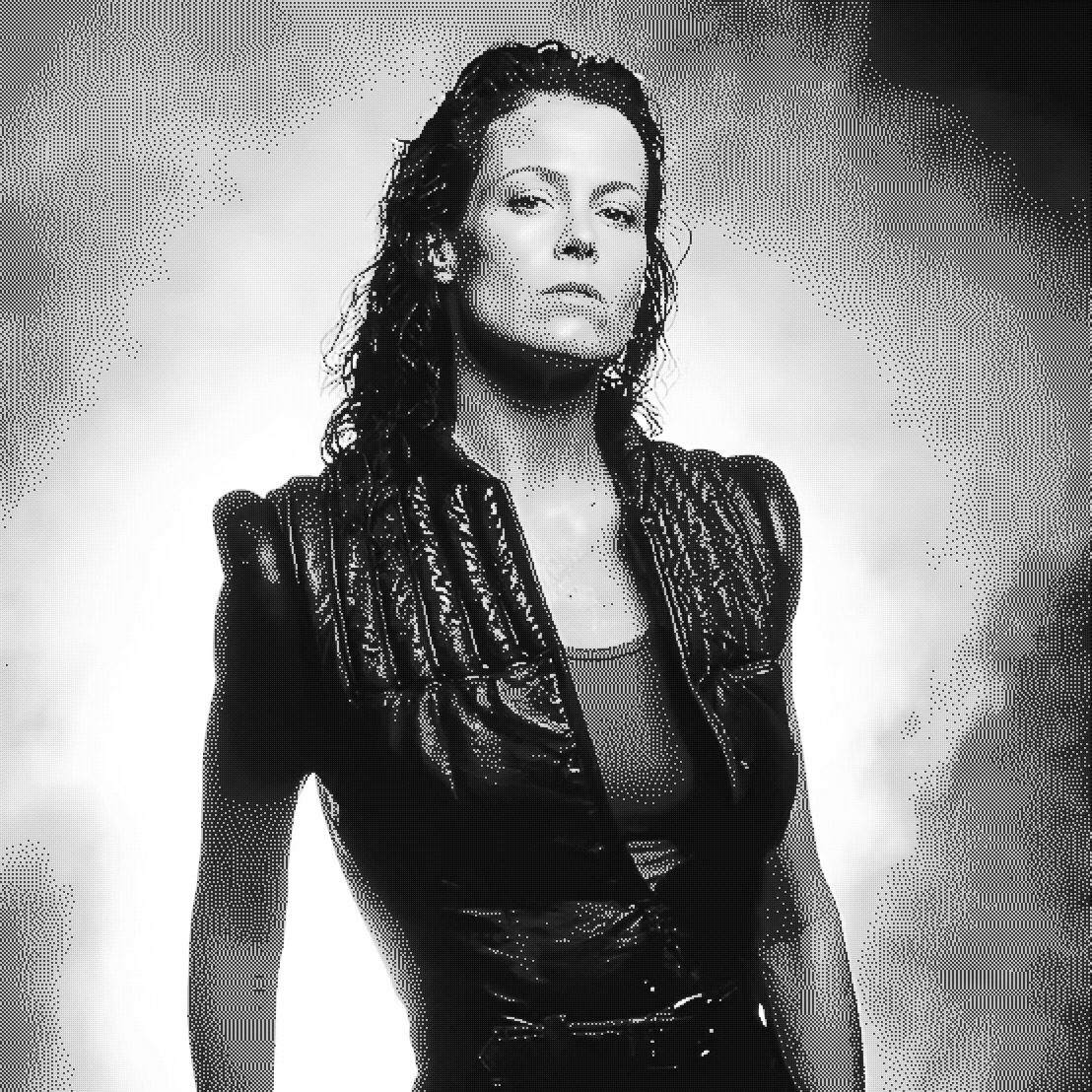
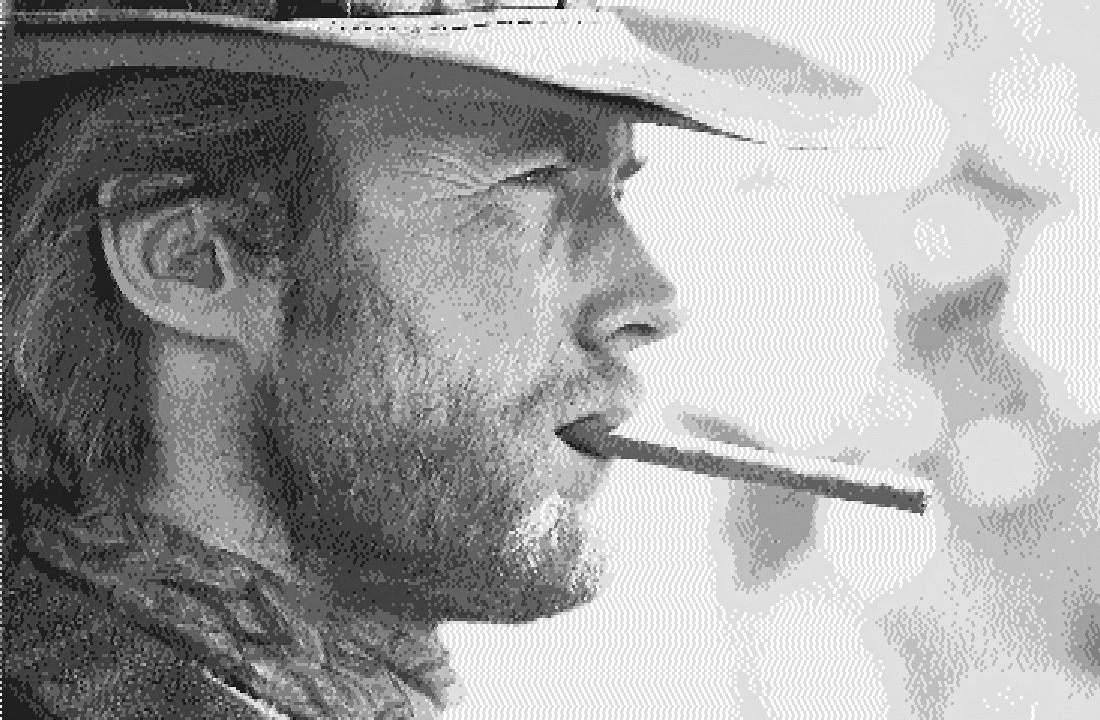
To dither an image online means applying a dithering algorithm through a web application in your browser. Dithering reduces an image to a limited color palette while preserving the appearance of smooth tones and gradients through carefully placed pixel patterns. The result can look retro, halftone, pixel-art, or print-ready depending on the algorithm and settings you choose.
Most online image editors upload your file to a remote server. Diffused Editor is different: when you dither an image online here, every pixel is processed locally using HTML5 Canvas and a dedicated Web Worker. Your image data never travels over the network.
Step-by-step: dither an image online in 5 steps
- Open Diffused Editor — visit diffusededitor.com in Chrome, Firefox, Safari, or Edge. No download or sign-up is required to start.
- Upload your image — drag and drop onto the upload area, click to browse, or paste from your clipboard (Ctrl/Cmd+V). Supported formats: JPEG, PNG, WebP, GIF, and BMP (up to 10 MB on the free tier).
- Pick a preset or algorithm — try a Quick Preset like Classic Mac or Newspaper for instant results, or choose an algorithm manually. Free users get 7 algorithms including Floyd-Steinberg, Atkinson, Ordered Bayer, Blue Noise, Sierra, Stucki, and Diffusion Dots.
- Fine-tune with live preview — adjust intensity, color count (2–64), threshold, pattern size, brightness, contrast, and saturation. Drag the A/B divider or hold Space to compare your dithered image against the original in real time.
- Download — export a free 50% JPEG instantly, or upgrade to Pro for 100% resolution PNG, WebP, and full-quality JPEG exports.
Why use an online dithering tool?
An online dithering tool is ideal when you need quick results on any device — a laptop at a coffee shop, a shared workstation, or a phone on the go. You avoid installing Photoshop plugins, command-line utilities, or desktop apps. Diffused Editor adds a privacy advantage: because you dither images online without uploading them, sensitive client work, personal photos, and unreleased creative assets stay on your machine.
Best use cases for dithering images online
- Social media graphics — retro halftone and 1-bit aesthetics for posts and stories
- Print and zine prep — halftone effects before sending to a Riso or screen printer
- Game and pixel art — reduce color depth with controlled dither patterns
- Photography experiments — artistic grain and vintage computing looks
- Quick client previews — show dithered concepts without sharing source files to a server
Dither PNG or JPG online
Yes — you can dither PNG online and dither JPG online with the same workflow. Upload either format (plus WebP, GIF, and BMP), tune your algorithm, and download. Free exports are JPEG at 50% resolution; Pro unlocks lossless PNG and WebP at full size. Because Diffused Editor uses client-side processing, your PNG layers and JPG photos never upload to a server.
Free vs Pro when you dither images online
The free tier is fully functional for exploring and sharing drafts. You get 7 algorithms, unlimited 50% JPEG downloads, and no account requirement. Upgrade to Diffused Editor Pro ($8/mo) when you need:
- 100% full-resolution exports for print and production
- Lossless PNG and WebP download formats
- All 13 algorithms including Burkes, Jarvis-Judice-Ninke, Sierra Lite, and Two-Row Sierra
- Saved presets and custom palettes synced to your account
- 15 MB upload limit and custom export widths above 50%
Frequently asked questions
Can I dither an image online for free?
Yes. Diffused Editor is free to use with no registration. You can dither as many images as you like and download 50% JPEG exports at no cost.
Do I need to create an account to dither online?
No account is needed for the free editor. An account is only required if you choose to subscribe to Pro for full-resolution and lossless exports.
What is the fastest way to dither a picture online?
Upload your image and click Auto-Tune — the editor analyses your photo and selects an algorithm and settings automatically. You can refine from there or download immediately.
Dither your image now — free, private, no upload.
Open Diffused EditorWant to learn more? Read our complete image dithering guide.