Complete guide
Image Dithering Explained
Image dithering is one of the most important techniques in digital imaging — yet it is often misunderstood. This guide explains what image dithering is, how the major techniques work, which algorithms to choose, and how to apply dithering to your own photos and graphics using a free online tool.
Quick answer: Image dithering is a technique that simulates colors outside a limited palette by arranging pixels in patterns so the eye perceives smooth tones. It is used for retro graphics, halftone print effects, artistic photography, and controlled color reduction — and you can try it free at Diffused Editor.
In short
- Image dithering reduces color depth while preserving perceived detail through patterned pixels
- Three main families: error diffusion, ordered (Bayer), and halftone / blue-noise methods
- Best for retro aesthetics, print prep, game art, and artistic photography
- Diffused Editor runs client-side image dithering in your browser — no upload required
- Free tier includes 7 algorithms; Pro unlocks all 11 plus full-resolution PNG/WebP export
Who this guide is for
- Photographers and designers exploring halftone and vintage print looks
- Indie game developers styling sprites and textures with controlled palettes
- Pixel and retro artists recreating Game Boy, Mac, and early-computer aesthetics
- Print makers preparing zines, Riso, and screen-print assets
- Curious beginners who want a clear explanation before trying an online dithering tool
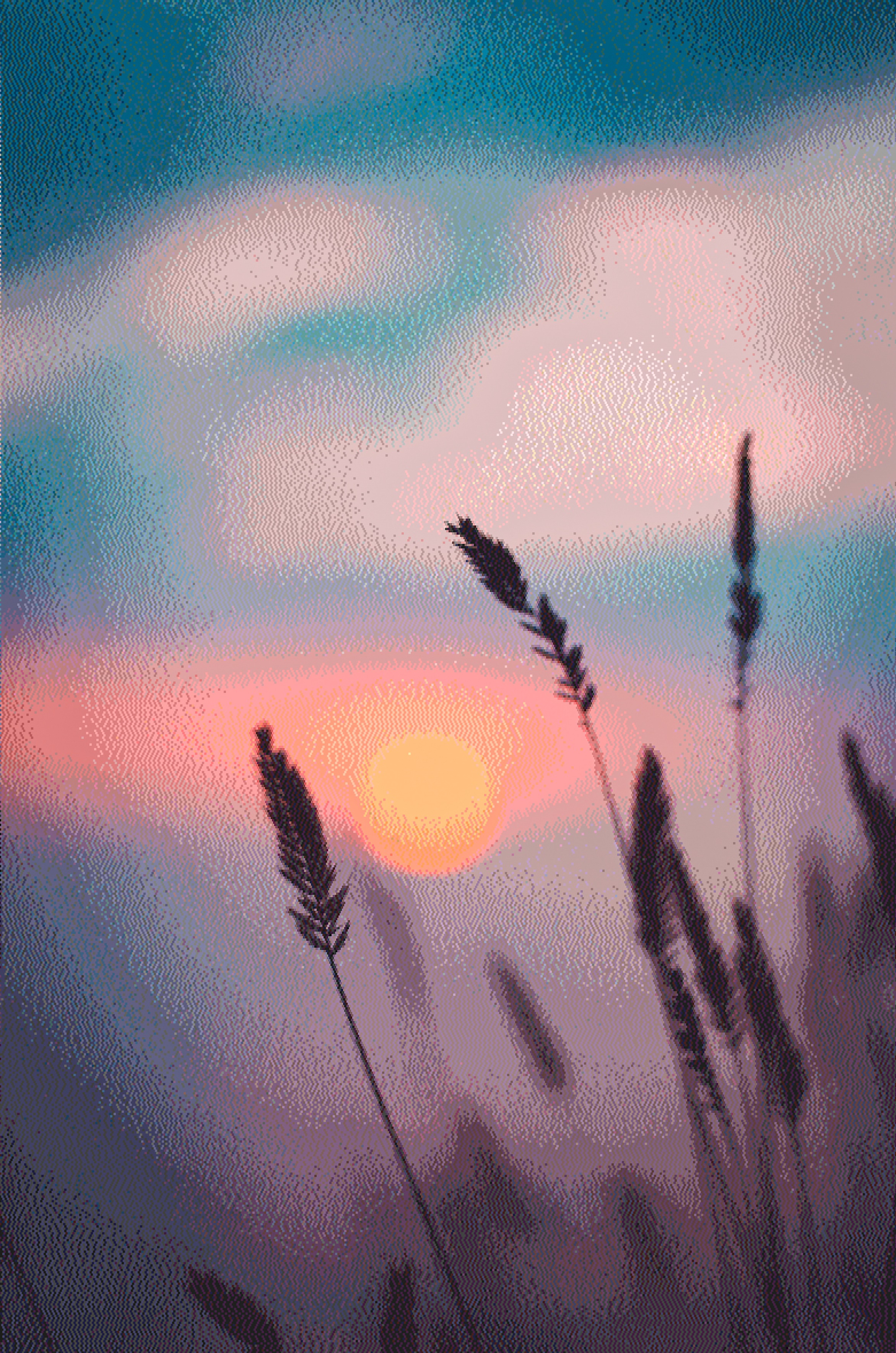
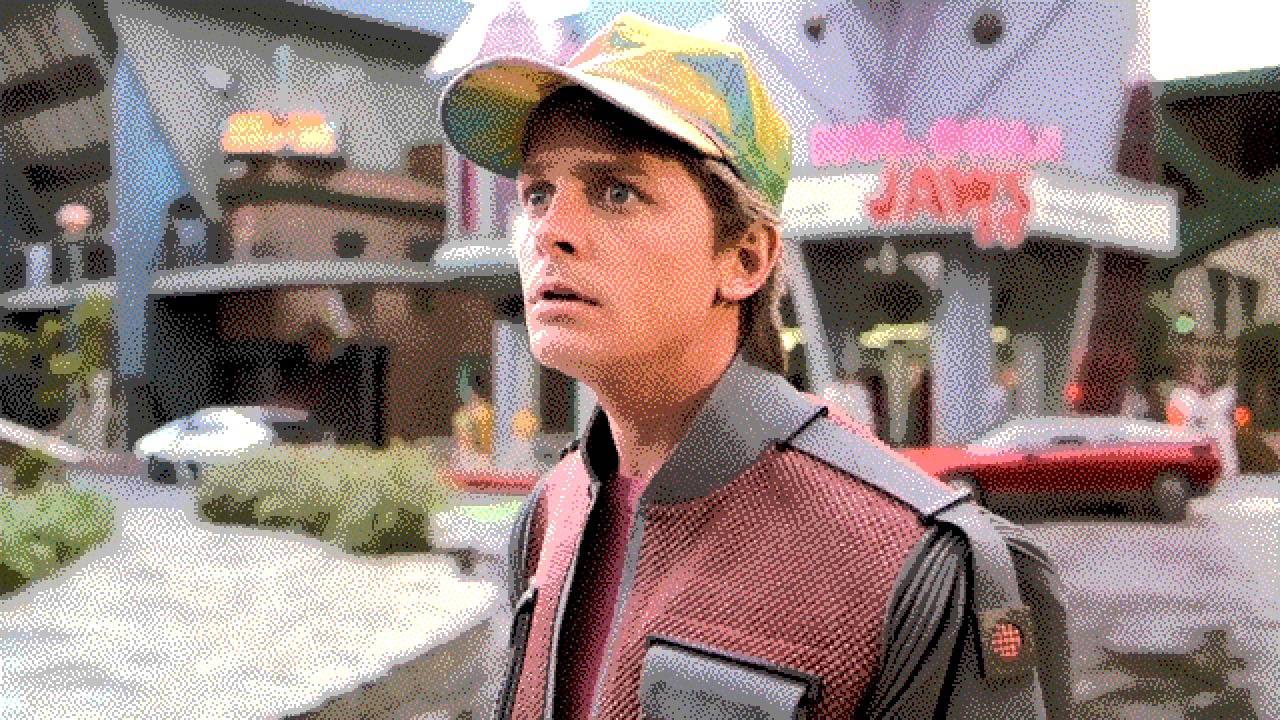
What is image dithering?
Image dithering is the process of approximating colors that are not in a limited palette by placing patterns of available colors so the human eye perceives smooth tones and gradients. Instead of flat, banded color reductions (posterization), dithering distributes quantization error across neighboring pixels to preserve detail and depth.
The technique dates to early computer displays and printers that could only render a handful of colors or black-and-white dots. Today, image dithering is used deliberately for artistic effect — retro Mac aesthetics, newspaper halftones, pixel art, vaporwave graphics, and print-ready Riso and screen-print workflows.
How does image dithering work?
Every dithering method follows the same core steps:
- Reduce the palette — limit the image to a set number of colors (from 2 for 1-bit black-and-white up to 64 for rich retro palettes).
- Quantize each pixel — snap each pixel to the nearest palette color.
- Distribute the error — spread the difference between the original and quantized color to nearby pixels, or apply a threshold pattern, so gradients remain visible.
High-quality image dithering uses perceptual color matching (CIELAB distance) rather than simple RGB math, so the chosen palette colors look right to the human eye. Diffused Editor extracts palettes using Median-Cut quantization and matches colors in LAB space for professional results.
Three families of image dithering techniques
1. Error diffusion dithering
Error diffusion is the most common image dithering technique for photographs. When a pixel is quantized, the rounding error is distributed to unprocessed neighbors using a weighted matrix. The classic Floyd-Steinberg matrix sends 7/16 of the error right, 3/16 down-left, 5/16 down, and 1/16 down-right. Variants like Atkinson, Sierra, Burkes, and Jarvis-Judice-Ninke use different weight distributions for different visual character.
- Floyd-Steinberg — balanced, natural; the default choice for most photos
- Atkinson — lighter, airier patterns; iconic Classic Mac 1-bit look
- Sierra / Stucki / JJN — wider error spread; smoother gradients on detailed images
2. Ordered dithering
Ordered dithering adds a repeating threshold matrix (such as an 8×8 Bayer matrix) to pixel values before quantization. The result is a regular geometric dot pattern — think comic-book halftone or pop-art screens. Ordered dithering is fast, predictable, and excellent when you want visible structure rather than organic diffusion.
3. Halftone and specialty dithering
Halftone image dithering simulates print reproduction with dots of varying size or density. Diffusion Dots combines per-cell dot radius with error diffusion for newspaper and bitmap halftone effects. Blue-noise dithering uses a stochastic threshold matrix for a modern film-grain aesthetic without visible grid patterns.
Image dithering algorithm comparison
| Algorithm | Family | Best for | Visual character |
|---|---|---|---|
| Floyd-Steinberg | Error diffusion | Photographs, portraits | Smooth, natural gradients |
| Atkinson | Error diffusion | 1-bit Mac, high-contrast art | Light, airy dot patterns |
| Ordered Bayer | Threshold matrix | Pop art, comic halftone | Regular geometric grid |
| Blue Noise | Threshold matrix | Film grain, modern texture | Organic, no visible grid |
| Diffusion Dots | Halftone | Newspaper, Riso print prep | Variable dot halftone |
| Sierra | Error diffusion | Detailed landscapes, complex scenes | Finer texture than Floyd-Steinberg |
| Stucki | Error diffusion | Photographic dithering, smooth gradients | Very smooth, high fidelity |
| Riemersma | Error diffusion (Hilbert curve) | Large smooth areas, skies | Worm-free smooth transitions |
| Clustered Dot | Ordered halftone | Newspaper print simulation | Clustered dot halftone |
| Jarvis-Judice-Ninke | Error diffusion | Fine-art photography | Smoothest tonal transitions |
When to use image dithering
- Retro and pixel aesthetics — recreate Game Boy, C64, Mac Plus, and early web graphics
- Print preparation — halftone effects for zines, newspapers, and limited-color screen printing
- Artistic photography — add texture and vintage character to digital photos
- Game development — style sprite sheets and textures with controlled color reduction
- File optimization — reduce effective color depth while maintaining perceived quality
- Social content — distinctive visuals that stand out in feeds
Diffused Editor vs. other image dithering tools
| Feature | Diffused Editor | Photoshop | Generic online converters |
|---|---|---|---|
| Price | Free to start | Subscription | Varies; often ad-supported |
| Privacy | 100% client-side — no upload | Local desktop app | Usually uploads to server |
| Algorithms | 11 dedicated dithering algorithms | Limited dither options | 1–3 basic methods |
| Auto settings | Auto-Tune analyses your image | Manual only | Rarely available |
| Live preview | Real-time with A/B compare | Yes (desktop) | Often slow or none |
Image dithering vs. other techniques
Image dithering vs. blur: Blur softens detail; dithering preserves edge sharpness while reducing colors.
Image dithering vs. noise: Random noise adds grain without structure; dithering uses intentional patterns tied to palette quantization.
Image dithering vs. pixelation: Pixelation enlarges blocks; dithering keeps full resolution with patterned color approximation. Diffused Editor's pattern size control adds optional block pixelation as a post-effect.
Try image dithering online
Reading about image dithering is useful — seeing it on your own photo is better. Diffused Editor is a free online dithering tool with 13 algorithms (9 free, 4 Pro), 7 curated retro palettes, Auto-Tune, live preview, and A/B comparison. Processing runs entirely in your browser; nothing uploads to a server.
New to online dithering? Start with our step-by-step guide: How to dither an image online. Working with photos specifically? See Dither a photo online.
Frequently asked questions
What is the best image dithering algorithm?
There is no single best algorithm — it depends on your image and aesthetic goal. Floyd-Steinberg is the most versatile starting point for photos. Atkinson is the classic choice for 1-bit retro looks. Ordered Bayer gives structured halftone grids. Try multiple algorithms with live preview to compare.
How many colors should I use for image dithering?
For authentic 1-bit black-and-white, use 2 colors. Retro console aesthetics often use 4–16 colors. Artistic photography typically works well at 8–32 colors. Diffused Editor supports 2–64 colors with auto-extraction from your image.
Can image dithering be reversed?
Dithering is destructive — you cannot perfectly recover the original from a dithered image. Always keep your source file and export dithered versions separately.
Apply image dithering to your own photo — free, in your browser.
Open Diffused EditorNeed full-resolution exports? View Pro plans — $8/mo