Algorithm guide
Blue Noise Dithering Online
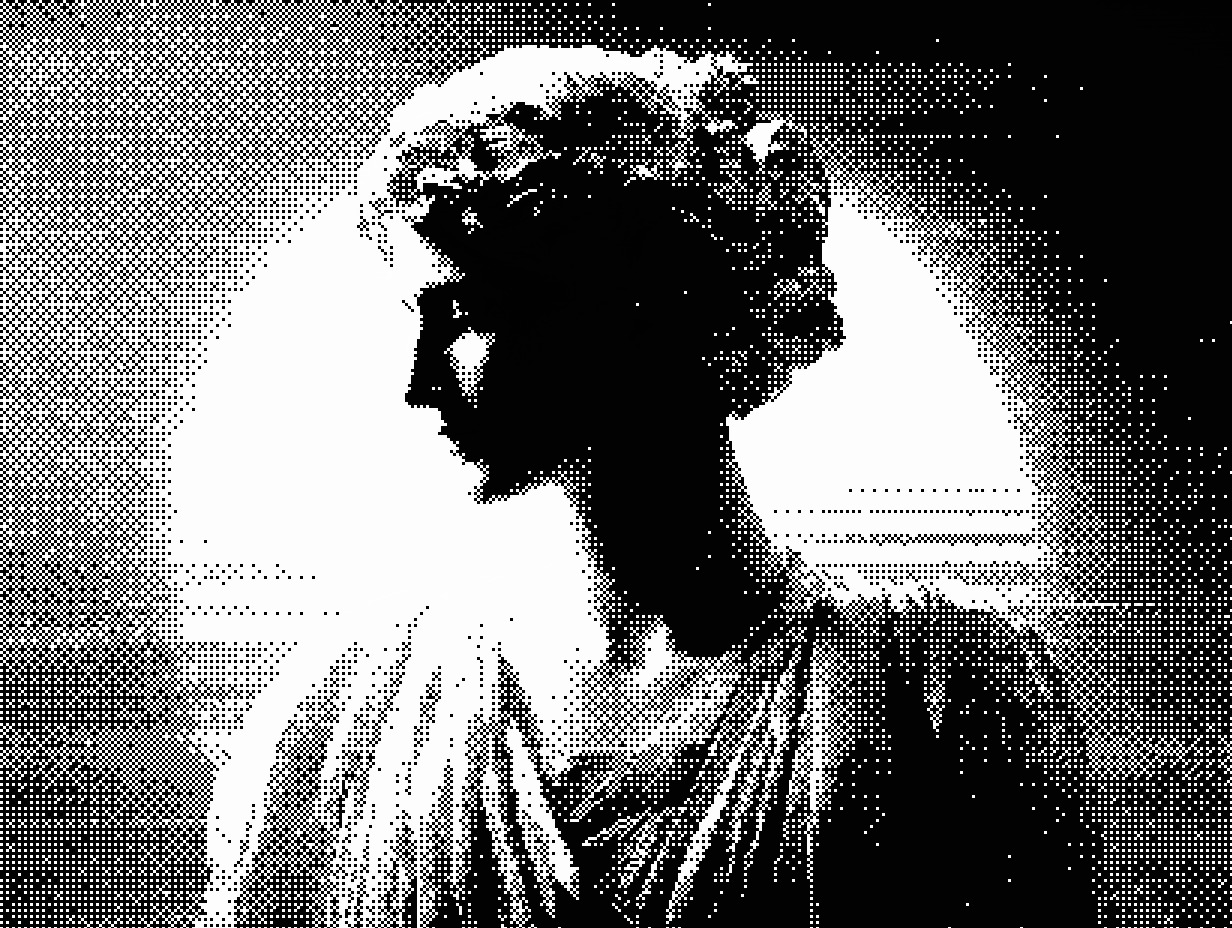
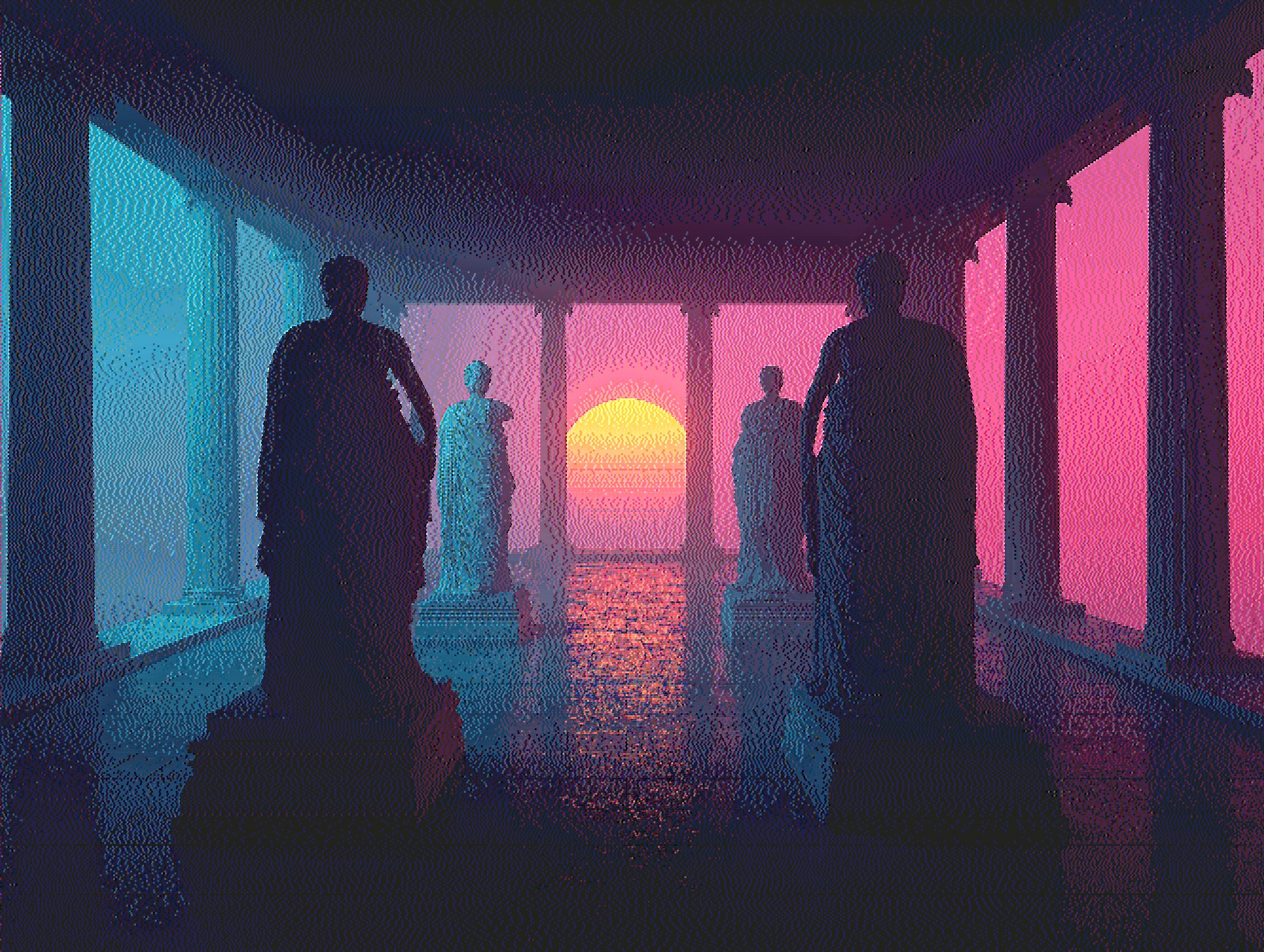
Blue noise dithering online gives photos and graphics a modern film-grain texture — organic, non-repeating, and free of the crosshatch grids you get from ordered dithering. Diffused Editor runs a Void-and-Cluster blue-noise tile entirely in your browser with live preview and no upload.
Quick answer: Blue noise dithering applies a stochastic threshold matrix so pixels quantize with a fine, random-looking grain instead of a visible grid. It is ideal for film-grain aesthetics, moody portraits, and subtle texture when you want to dither an image online without error-diffusion worm patterns.
What is blue noise dithering?
Blue noise dithering belongs to the threshold-matrix family — the same broad category as ordered Bayer dithering — but the matrix itself is engineered differently. A blue-noise pattern has its energy pushed toward high spatial frequencies, which means the human eye reads it as fine, even grain rather than structured dots or lines.
Diffused Editor uses a 32×32 Void-and-Cluster tile generated offline and tiled across your image. Each pixel's threshold comes from this matrix before quantization to the palette. The result sits visually between analog film grain and digital noise: structured enough to preserve gradients, random enough to avoid banding.
Blue noise vs ordered Bayer vs error diffusion
- Ordered Bayer — repeating 8×8 grid; comic-book halftone, very structured
- Blue noise — stochastic tile; film grain, no visible repeat pattern at normal viewing distance
- Floyd-Steinberg — error diffusion; smooth photo gradients, directional texture
Choose blue noise dithering online when you want texture that feels photographic and modern — not retro Mac (Atkinson), not newspaper dots (Diffusion Dots), and not geometric pop-art grids (Bayer).
When to use blue noise dithering
- Moody portraits — analog film simulation without heavy error-diffusion streaks
- Editorial and album art — distinctive grain that reads at thumbnail size
- UI and texture sources — even noise for game backgrounds and design mockups
- Limited palettes — reducing colors while keeping gradients readable
- Social graphics — stands out from flat filters and obvious Bayer patterns
How to apply blue noise dithering online
- Open Diffused Editor and upload your image (JPEG, PNG, or WebP).
- Select Blue Noise from the algorithm dropdown in the Style tab.
- Set color count (8–16 for grainy color; 2 for high-contrast monochrome).
- Adjust threshold and intensity — try 80–100% intensity for natural grain.
- Compare with the original using the A/B divider, then download free at 50% JPEG.
For a softer look, pair Blue Noise with the Sepia or Auto palette. For high-contrast grain, use 2 colors and raise contrast +10 to +20 in the Adjust tab.
Why Diffused Editor for blue noise?
Most online converters offer only Floyd-Steinberg or a generic "noise" filter. Diffused Editor implements a proper Void-and-Cluster threshold tile with CIE94 palette matching — the same quality pipeline as its error-diffusion algorithms. Processing runs client-side via Web Workers; image bytes never leave your device.
Read the fundamentals in our image dithering guide, or compare all algorithms in the online dithering tools overview.
Frequently asked questions
What is blue noise dithering?
Blue noise dithering uses a pre-generated Void-and-Cluster threshold matrix tiled across the image. Unlike ordered Bayer dithering, blue noise has energy concentrated at high frequencies, producing an organic film-grain look without visible crosshatch grids.
Can I apply blue noise dithering online for free?
Yes. Diffused Editor includes Blue Noise in its free tier. Upload an image, select Blue Noise from the algorithm menu, and download a 50% JPEG with no account or server upload.
When should I use blue noise instead of Floyd-Steinberg?
Use blue noise when you want subtle texture and film-grain character without directional error-diffusion patterns. Use Floyd-Steinberg or Sierra when you need smooth photographic gradients with classic error diffusion.
Try blue noise dithering now — free, private, live preview.
Dither Image Online Free →