Algorithm guide
Ordered Bayer Dithering Online
Ordered Bayer dithering online produces the geometric crosshatch and dot grids behind classic pop-art, comic-book halftone, and early digital screen effects. Diffused Editor applies an 8×8 Bayer matrix in your browser — free, with live preview and no server upload.
Quick answer: Ordered Bayer dithering adds a fixed threshold pattern to each pixel before palette quantization, creating a visible repeating grid. It is the go-to method when you want structured pop-art halftone — not smooth error diffusion. Try it free when you dither images online with Diffused Editor's Ordered Bayer algorithm or Pop Art preset.
How ordered Bayer dithering works
Ordered dithering — also called matrix dithering — does not propagate error between pixels. Instead, each pixel gets a threshold value from a small repeating matrix. Diffused Editor uses the standard 8×8 Bayer matrix: 64 threshold levels tiled across the image. Brighter areas show more "on" pixels in the pattern; darker areas show fewer — but the underlying grid structure stays visible.
That visibility is a feature, not a bug. Graphic designers choose ordered Bayer dithering online precisely because the pattern reads as deliberate halftone — bold posters, zine covers, and street photography with a Roy Lichtenstein or Ben-Day dot influence.
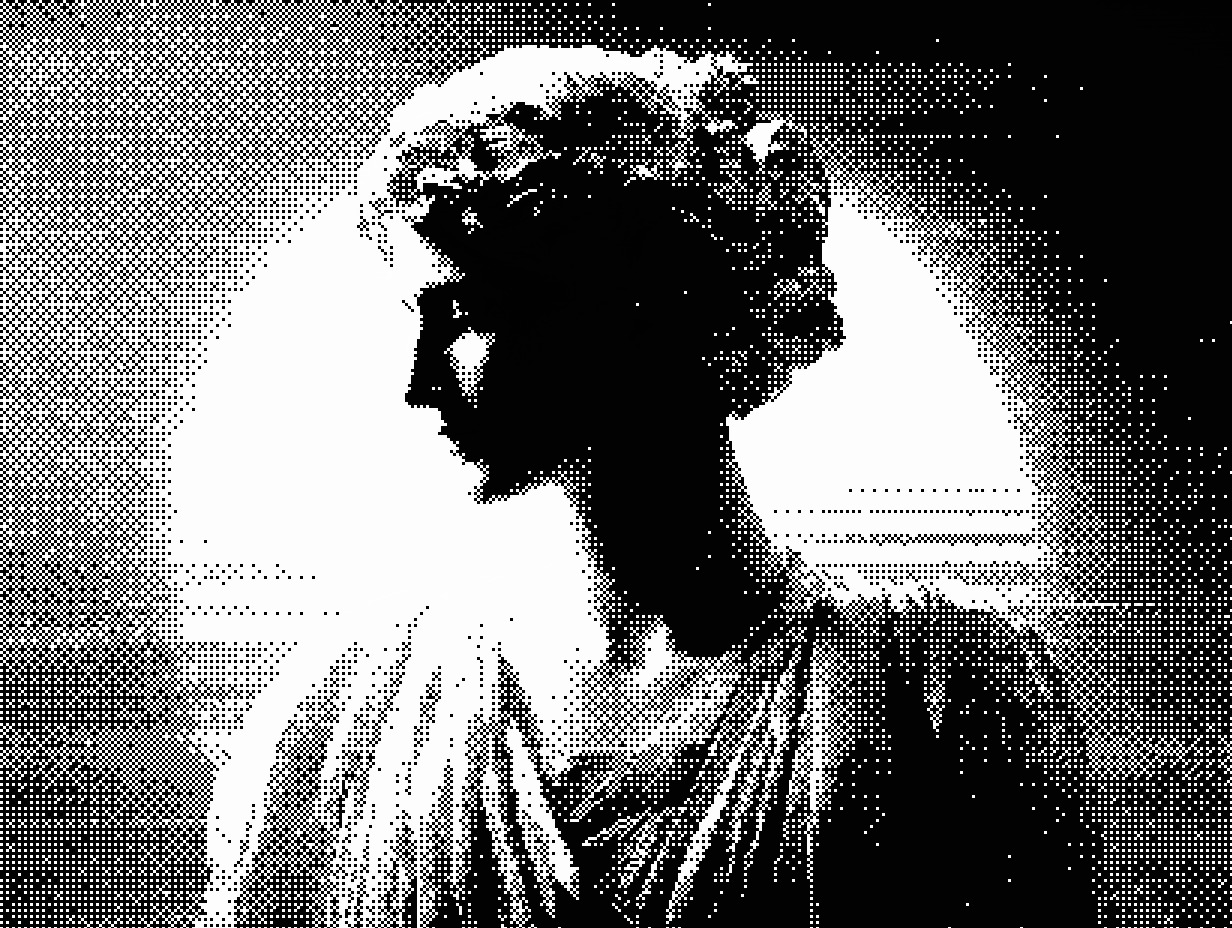
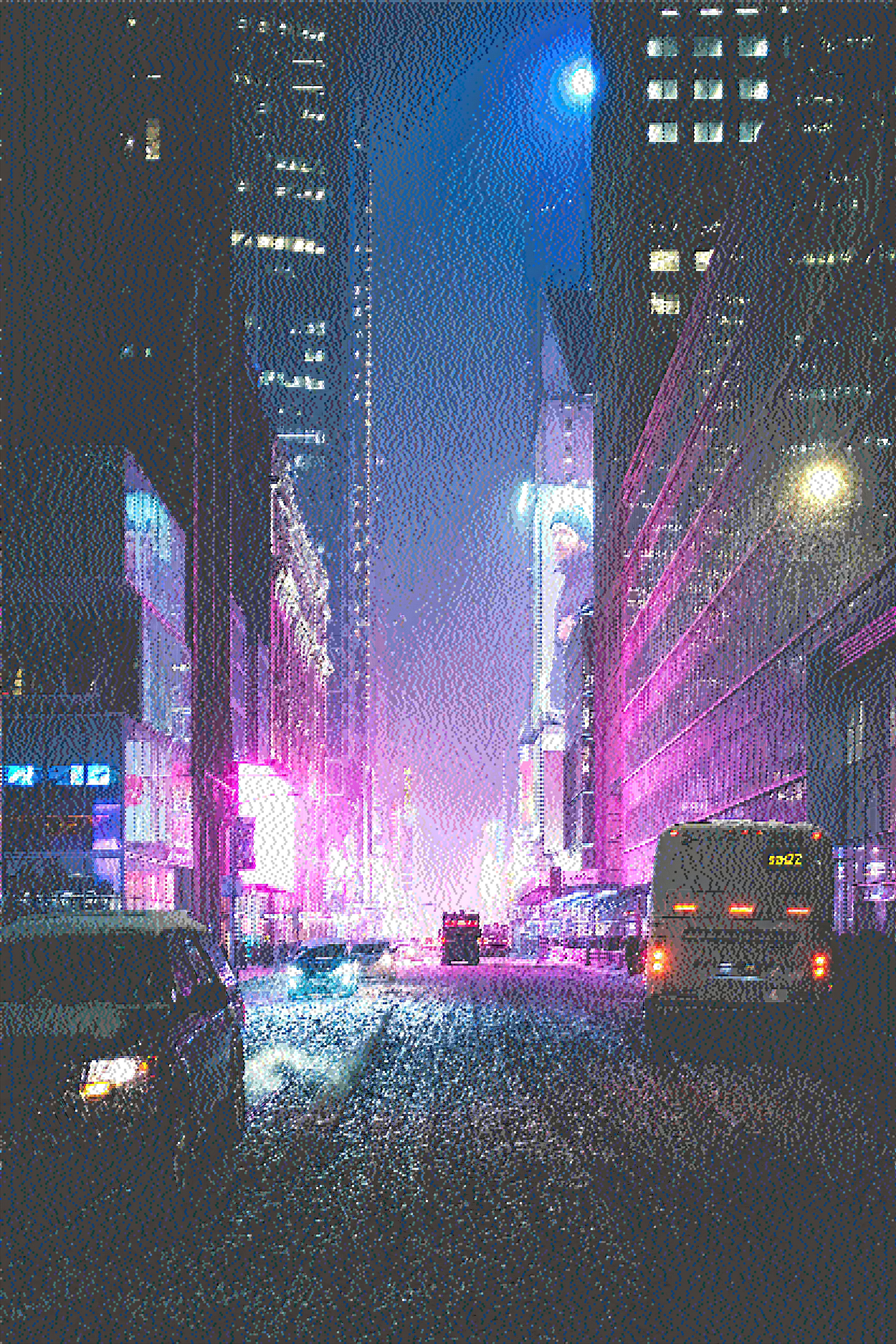
Ordered Bayer vs other dithering methods
- Diffusion Dots — variable dot sizes; newspaper halftone, less geometric
- Blue noise — stochastic grain; no visible grid
- Floyd-Steinberg — error diffusion; smooth photos, no fixed pattern
- Ordered Bayer — repeating matrix; comic pop-art, tileable textures
Best settings for Bayer dithering online
Pop Art preset (fastest)
- Upload at diffusededitor.com.
- Click the Pop Art Quick Preset.
- Download a free 50% JPEG or upgrade to Pro for full-resolution PNG.
Manual Bayer tuning
- Algorithm: Ordered Bayer
- Palette: CGA (4-color) or NES (16-color) for authentic retro pop
- Pattern size: 1–2× for crisp dots; higher values chunk the grid for poster scale
- Contrast: +10 to +25 for bold Ben-Day dot separation
- Color count: 4–8 for graphic posters; 16+ for richer halftone color
When to use ordered Bayer dithering
- Pop-art posters and album covers — visible dot grids as the main aesthetic
- Comic and editorial illustration — Ben-Day dot references
- Tileable game textures — regular pattern repeats cleanly
- High-contrast street photography — graphic, posterized halftone look
- Print prep with visible structure — pair with our print dithering guide
Why Diffused Editor?
Generic online filters fake halftone with blur and overlay textures. Diffused Editor runs true ordered Bayer quantization with CIE94 palette matching and optional post-pixelation — the same engine used for professional error diffusion. All processing is client-side; your source art never uploads.
New to dithering? Start with the image dithering guide or the step-by-step how to dither an image online tutorial.
Frequently asked questions
What is ordered Bayer dithering?
Ordered Bayer dithering applies an 8×8 repeating threshold matrix to pixel values before quantization, creating a regular geometric halftone grid associated with pop art and comic-book printing.
Can I use Bayer dithering online for free?
Yes. Ordered (Bayer Matrix) is included in Diffused Editor's free tier. Pair it with CGA or NES palettes for authentic retro color reduction.
Bayer vs Floyd-Steinberg — which should I choose?
Choose Bayer for structured, graphic halftone grids and pop-art aesthetics. Choose Floyd-Steinberg for smooth photographic gradients without visible matrix patterns.
Create pop-art Bayer halftone now — free Pop Art preset included.
Dither Image Online Free →