Workflow guide
Game Boy Dithering Online
Game Boy dithering online transforms photos and art into the iconic 4-shade green palette of the original DMG handheld. Diffused Editor includes the authentic Game Boy palette with Atkinson and Bayer dithering — all in the browser.
Quick answer: Game Boy dithering online: select the Game Boy palette, set 4 colors, and use Atkinson or Ordered Bayer in Diffused Editor. Matches original DMG green shades. See also game asset dithering guide.
Why dither for Game Boy aesthetics?
The original Game Boy had four shades of green and no grayscale mode for full-color art. Dithering simulates intermediate tones within those four colors — the technique used in classic titles like Pokémon Red and Link's Awakening for portraits and backgrounds.
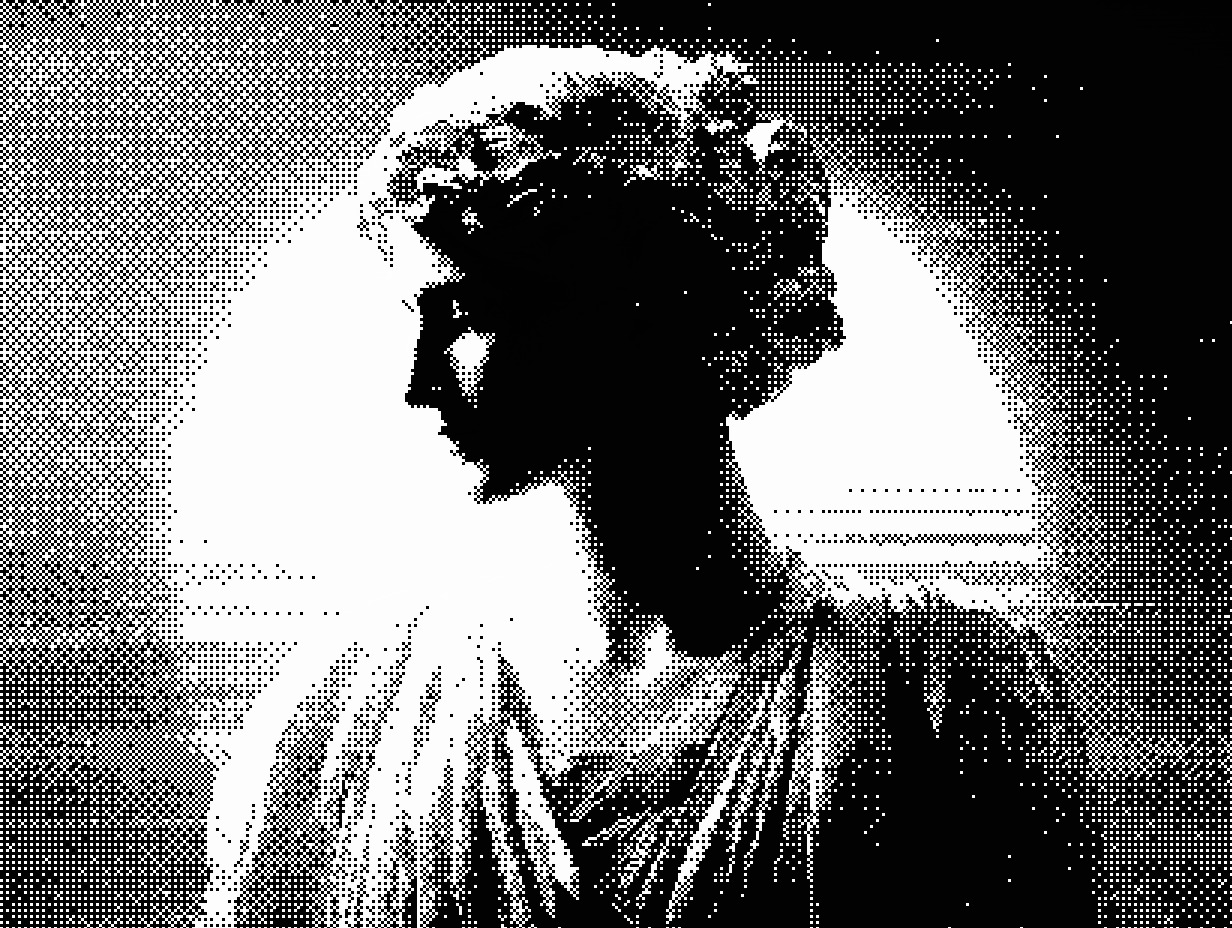
Recommended Game Boy settings
- Palette: Game Boy (built-in)
- Colors: 4
- Algorithm: Atkinson (organic) or Ordered Bayer (structured pixels)
- Intensity: 100% · Pattern size: 1
- Export: Pro PNG at full resolution for Unity/Godot pipelines
Game Boy vs Game Boy Pocket
Diffused Editor also includes the Game Boy Pocket palette (grayscale shades) for the later handheld. Use Game Boy for authentic DMG green; Pocket for neutral gray retro looks.
Full sprite workflow: dithering for game assets.
Frequently asked questions
Can I dither images with the Game Boy palette online?
Yes. Diffused Editor includes an authentic Game Boy 4-color palette. Select it in the Color tab after uploading your image.
Which algorithm works best for Game Boy dithering?
Atkinson produces organic DMG-style dithering similar to classic game portraits. Ordered Bayer gives a more structured pixel-grid look suited to UI and tile art.
Can I export Game Boy dithered sprites as PNG?
Pro unlocks full-resolution PNG export. Free tier provides 50% JPEG previews.
Try Game Boy dithering — authentic palette, free preview.
Open Diffused EditorExplore all algorithms in our image dithering guide.